Mobile · Accessibility
Goally
A paired product system for families with neurodiverse children. A child-facing device that guides children through daily routines, and a parent companion app that configures them. Shipped through the 2018 Boulder TechStars cohort.
The problem
Families with neurodiverse children run on routines. Mornings, homework, bedtime, and the transitions in between. For a kid with ADHD or autism, one missed step can unravel the whole day. For the parent, managing that sequence every day is its own kind of exhaustion.
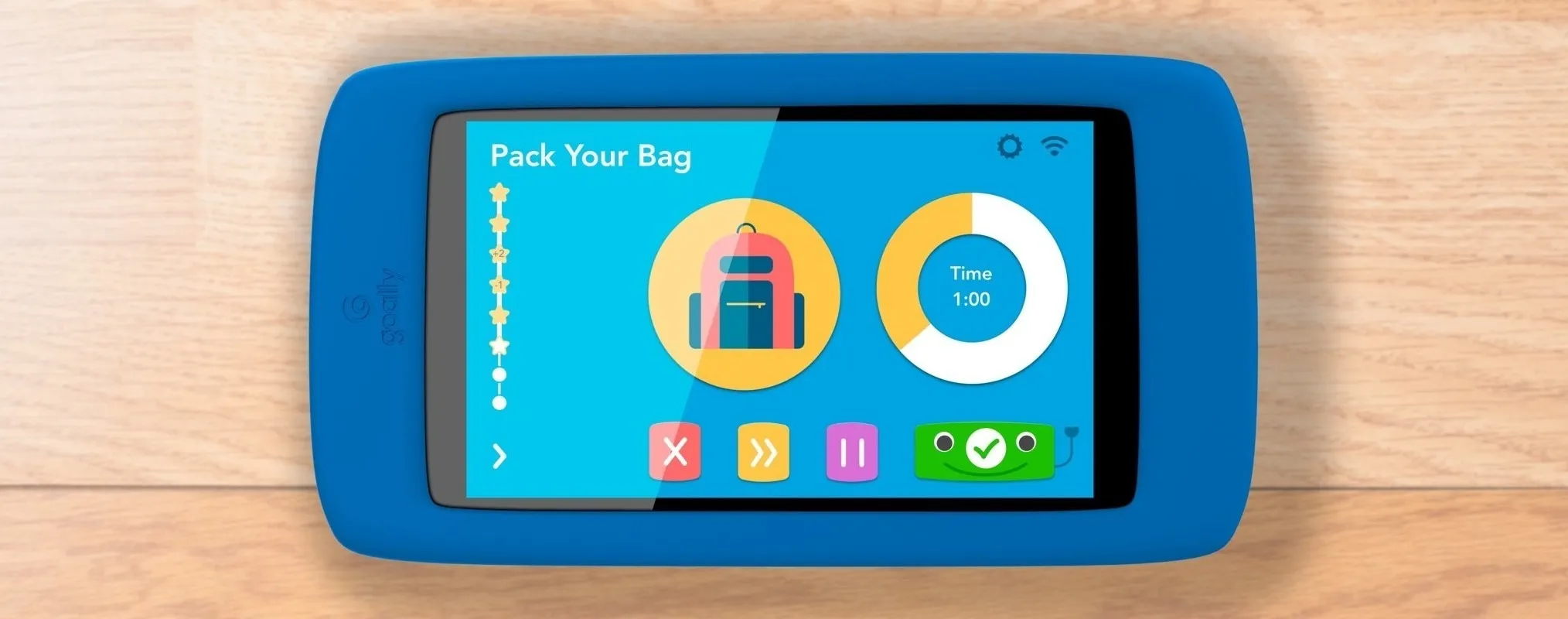
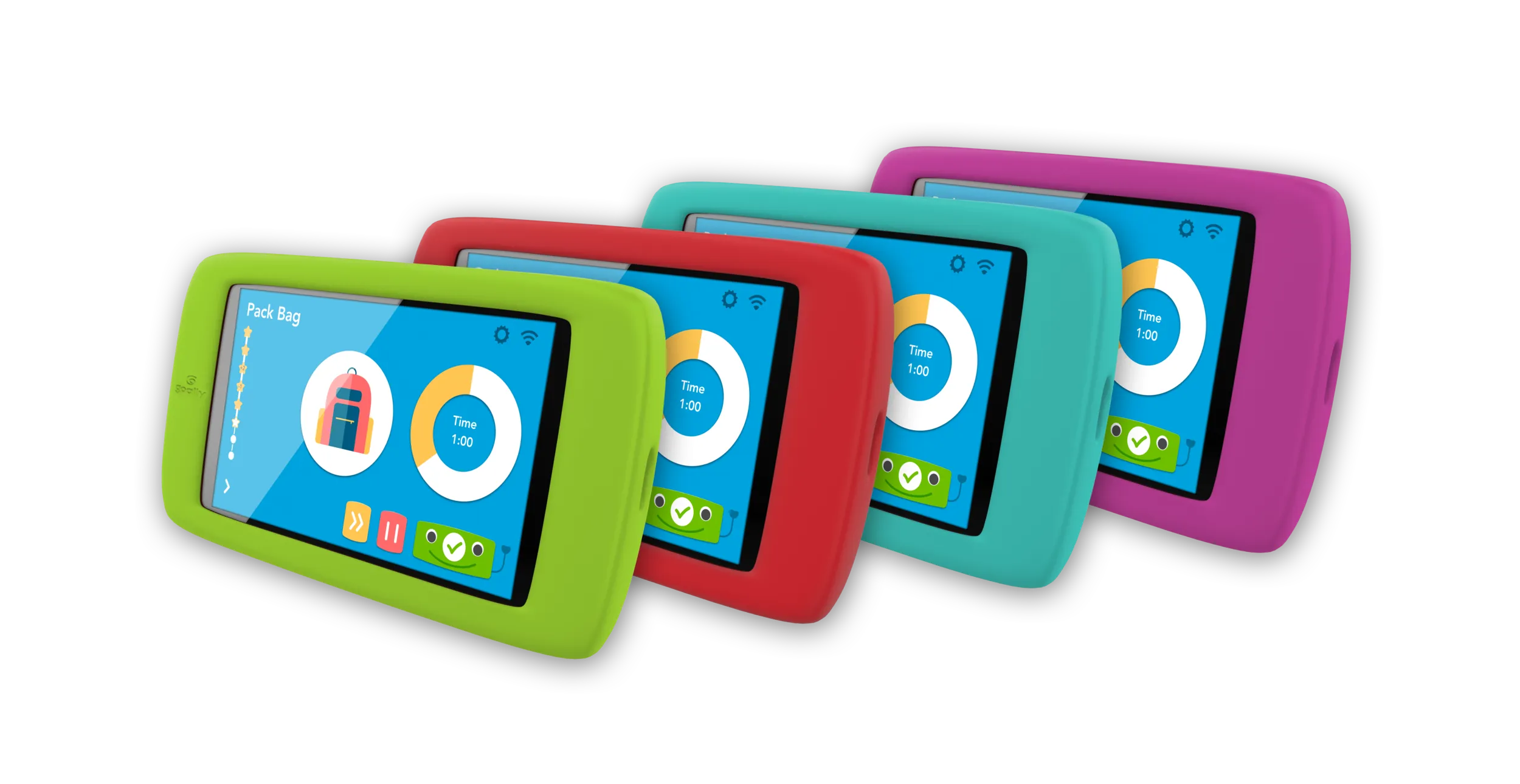
Goally’s answer was a locked-down child device running one app that walks a child through their routines, and a parent app for building and adjusting those routines from a phone. My job was to design both in under a month, before TechStars demo day.
Role and team
Sole designer, owning branding, UX and UI across both products. The team was a few engineers and a behavioral technician, with TechStars mentors on call for critique. The parents and kids who tested the product were part of the team too.
Starting point
Engineering had built the first child app to get into the TechStars cohort. The first app proved the concept, but wasn’t built to live in a child’s hands. We had one month to redesign the app. The deadline helped. There was only time for what mattered.
Designing for the child
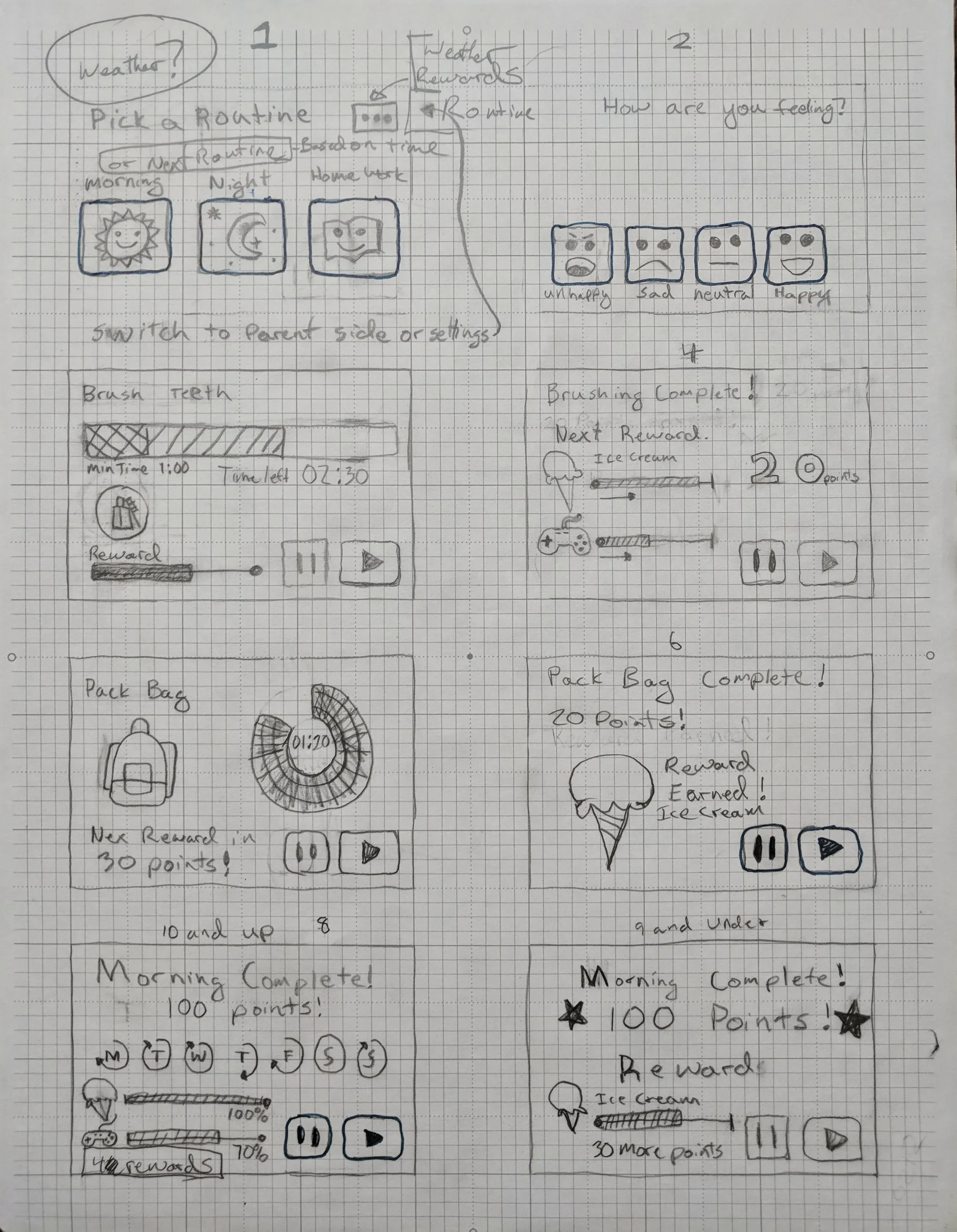
A neurodiverse child doesn’t easily carry what they learned in one step into the next. Showing the steps wasn’t the hard part. Connecting them was.
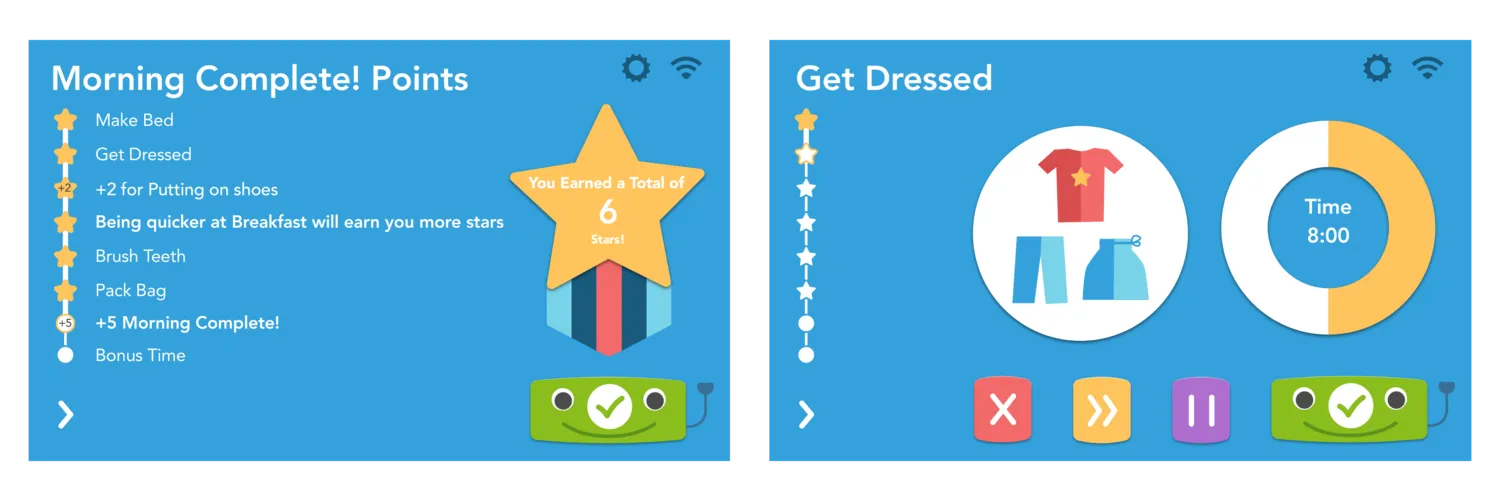
- The device ran one app and nothing else, so the whole screen could focus on the current step.
- I sketched a character with a face and arms that could nod, celebrate, or point to the next action. Stakeholders read the character as decoration, but the character gave the routine a thread to follow. Kids in testing talked to the character and waited for its reaction before moving on.
- If the app isn’t fun, routines don’t get done.
Designing for the parent
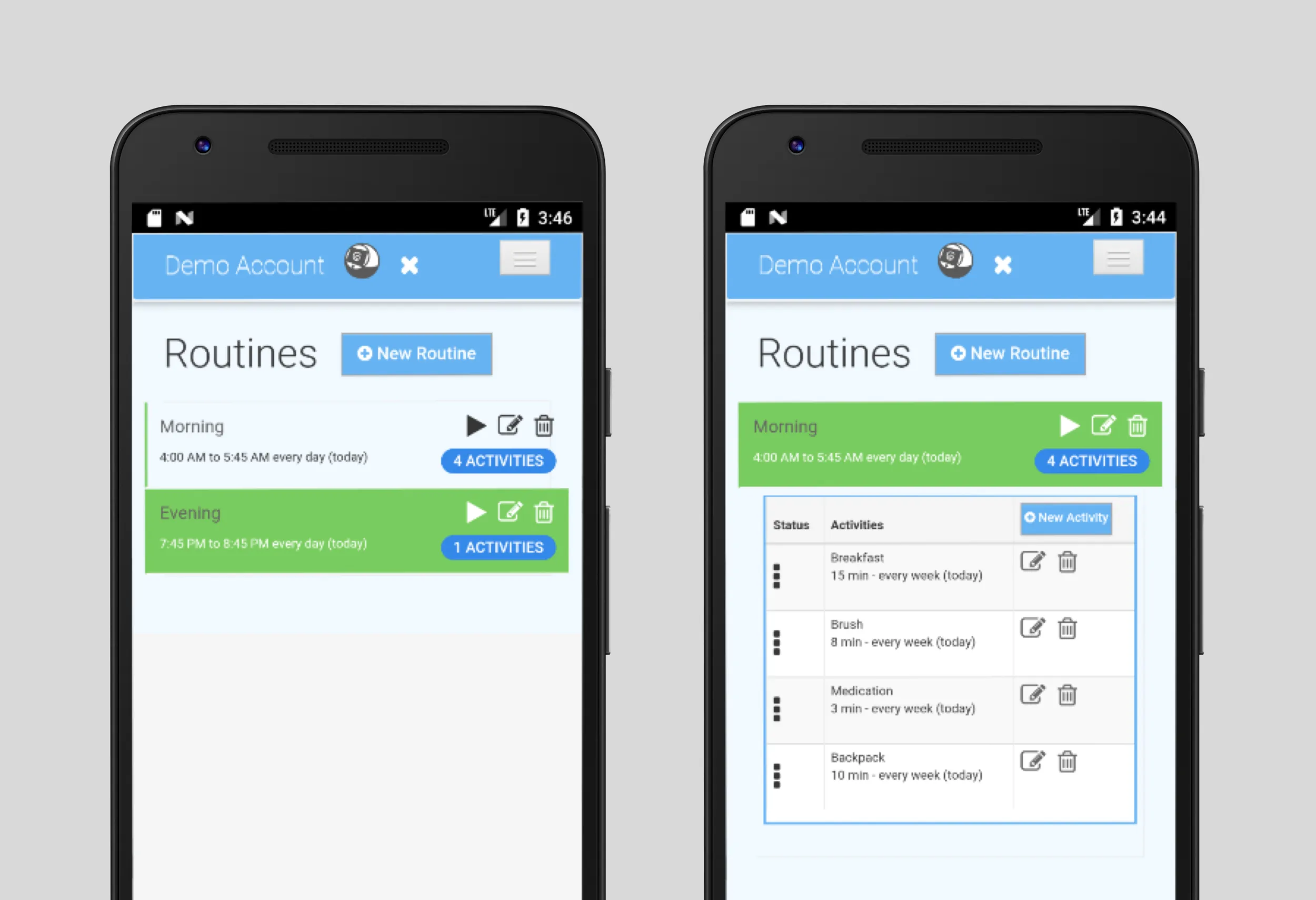
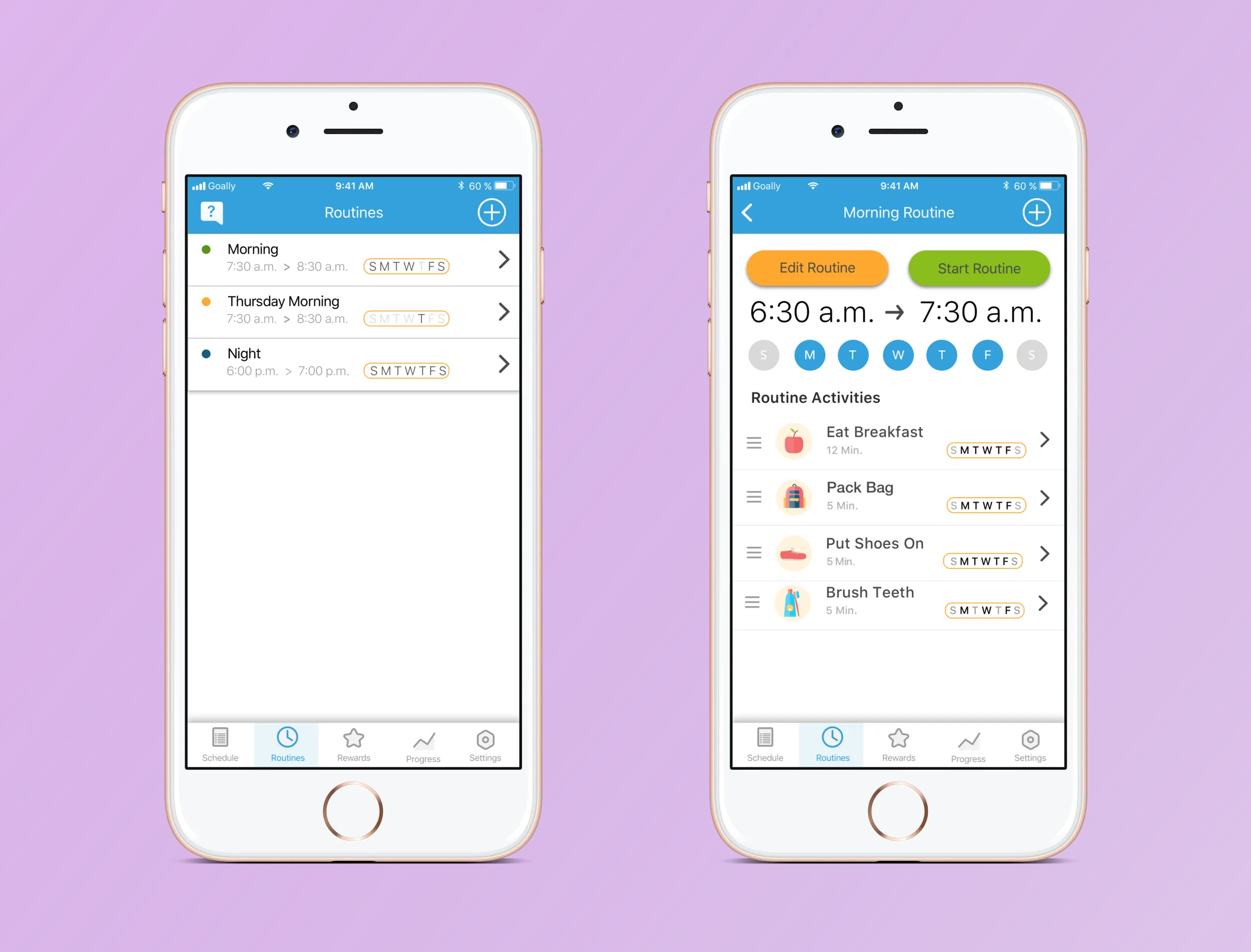
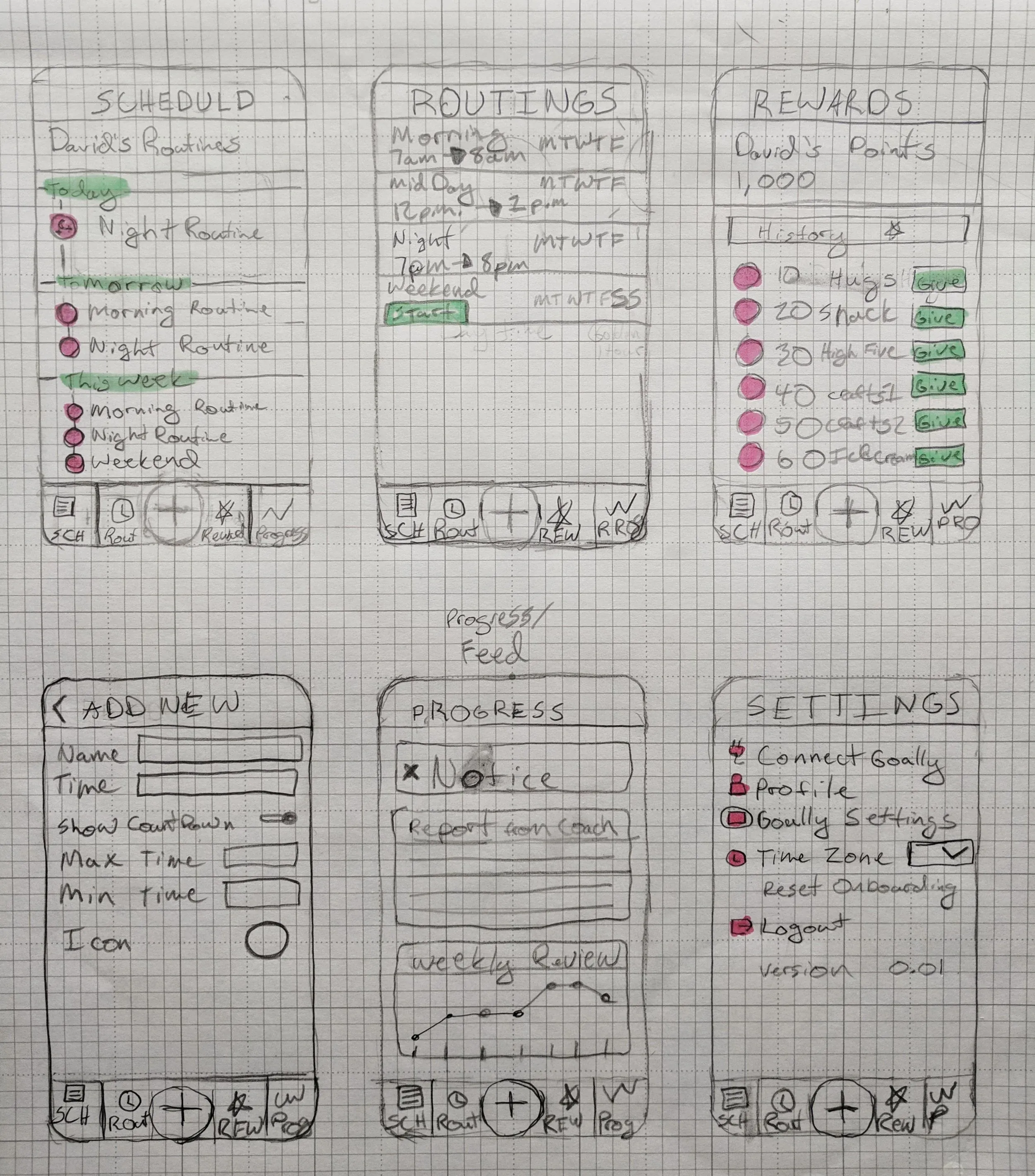
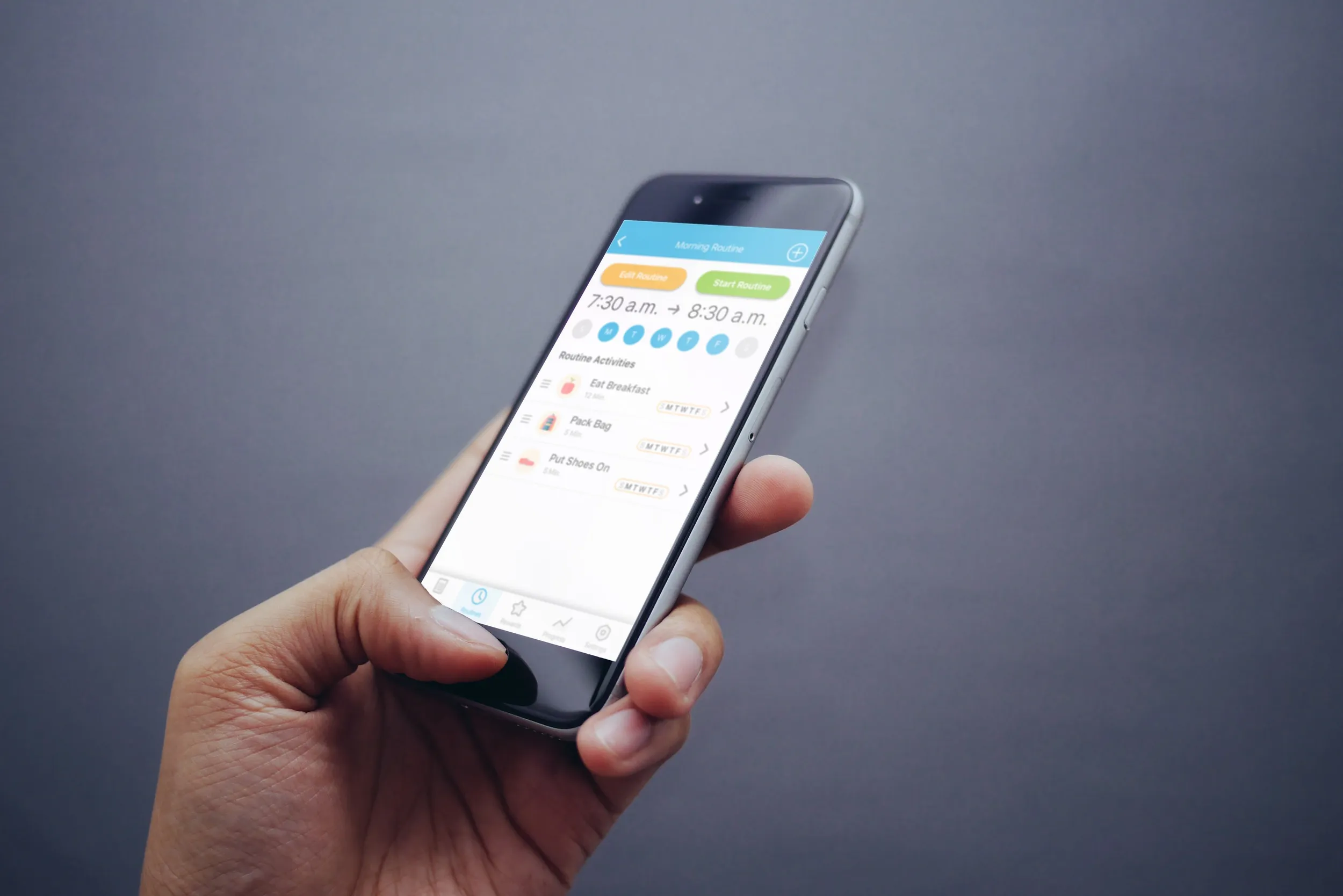
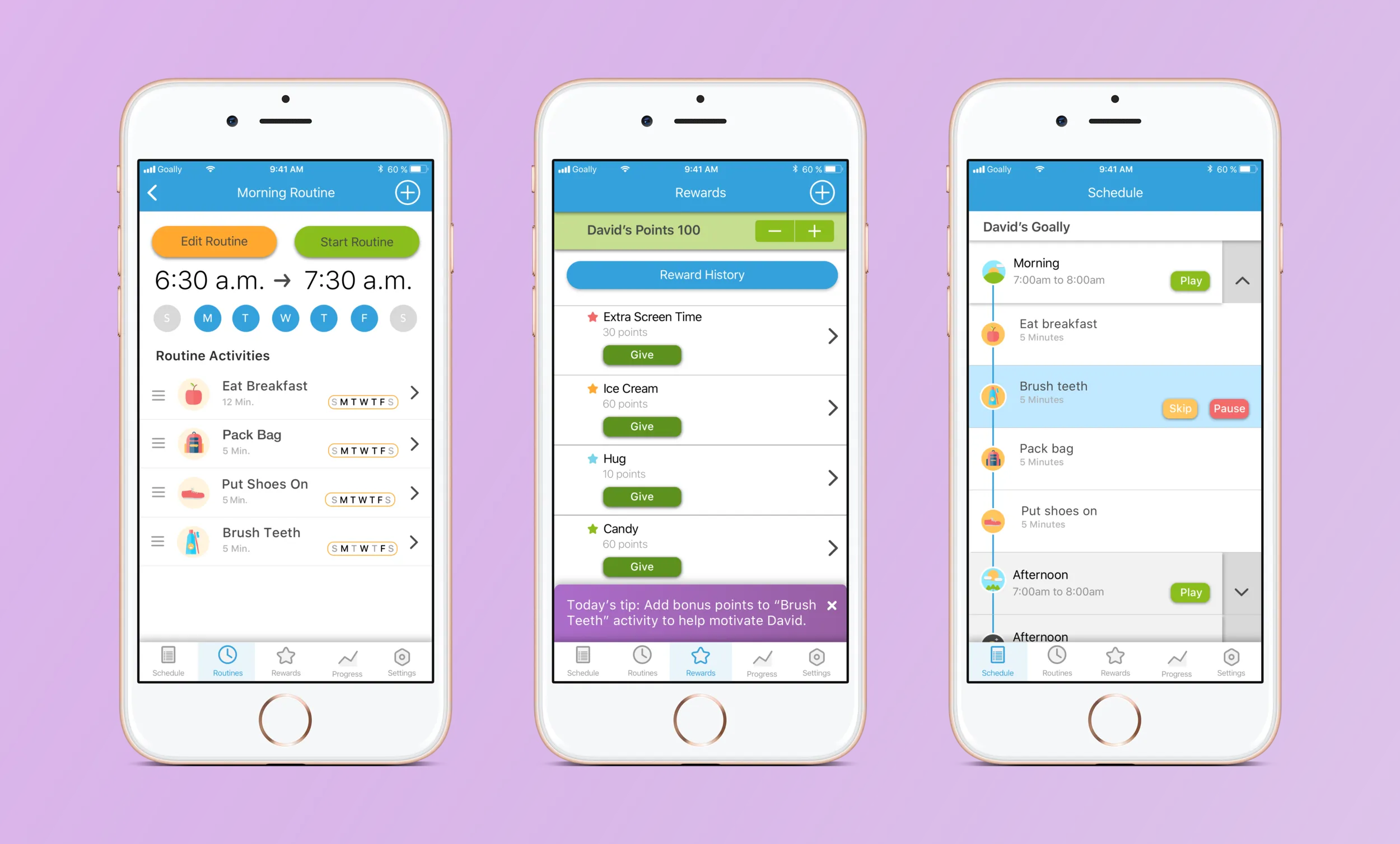
A parent who opens this app at 6am isn’t looking for features. They want to be done. Setup is four steps. Anything that made setup harder got cut.
- Create a routine.
- Add activities.
- Set a schedule.
- Send the routine to the device.
Two apps, one product
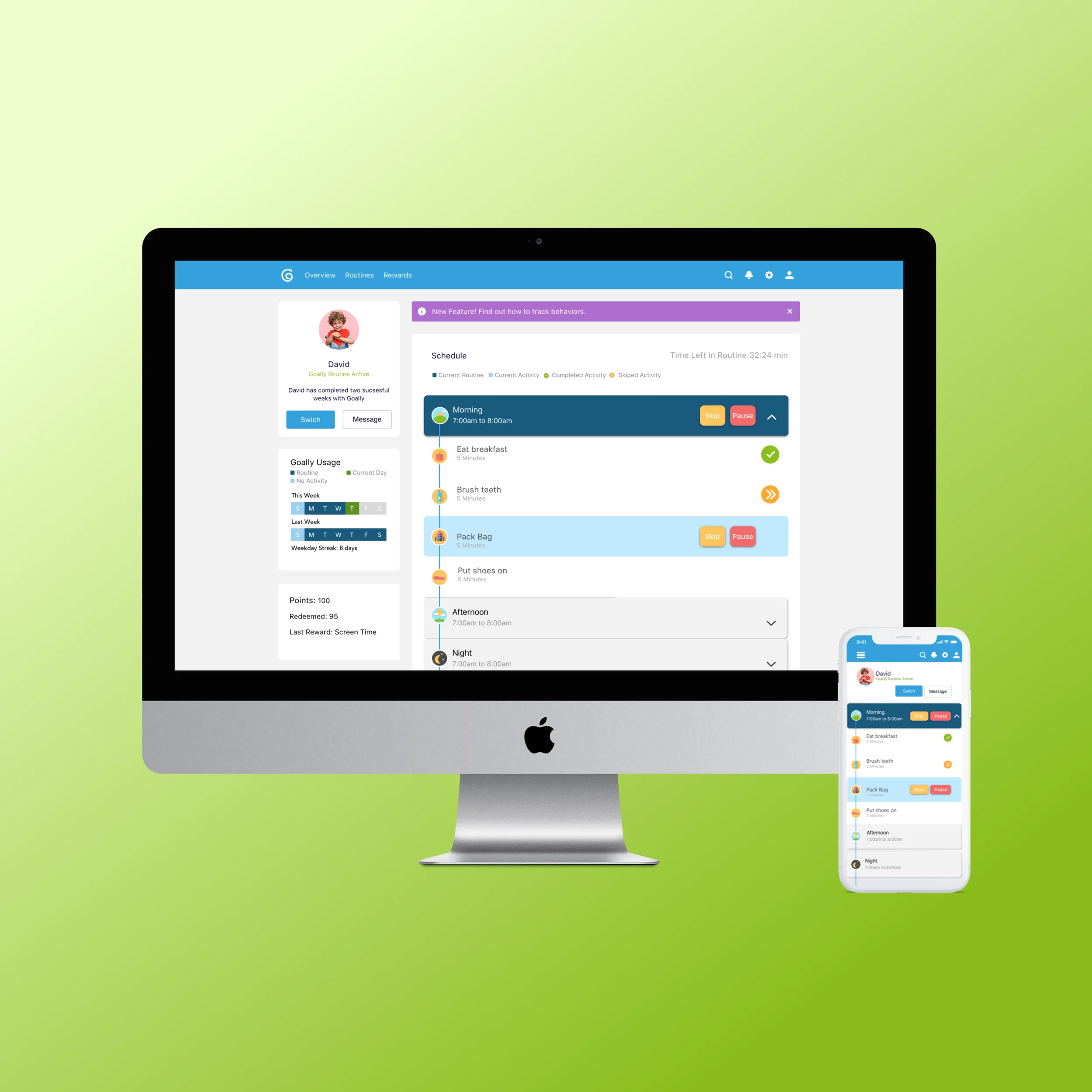
A parent sets up a routine on their phone, and the child sees something that looks or behaves differently. Even a small gap breaks trust on both sides. So I designed both apps in the same file, on the same component library. A task looked identical on both sides. The colors were shared and tuned for high contrast. Each sync was designed as one flow from the parent’s tap to the child’s screen.
Testing with real families
Before launch, parents beta-tested both apps with their kids and sent their feedback as video. I could see exactly where a child hesitated and where a parent misread a label at 7am. Most of the final sprint came from those videos.
- Bigger tap targets on the child app.
- A clear signal on the parent app when a routine had reached the device.
- Labels rewritten to match the parents’ mental model.
Outcome
- Both products shipped. The child device launched at TechStars demo day in 2018, and the MyGoally parent app went live on the App Store and Google Play the same week.
- Goally graduated from the 2018 Boulder TechStars cohort, and both apps are still in families’ homes.
- I stayed on after launch, improving the product as feedback came in.
What I took from it
- Designing for neurodiverse children made me a better designer for everyone. Fewer choices, an obvious next step, and a small celebration when something gets done work for anyone under load.
- Designing the two apps as one product from the start paid off. They shipped faster and stayed consistent.
- More time would have been nice. Sometimes you have to hit the ground running and work with what you have.